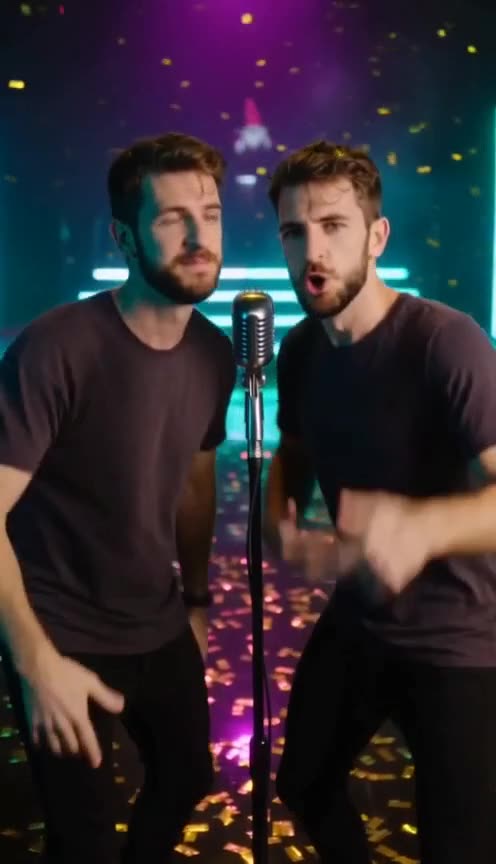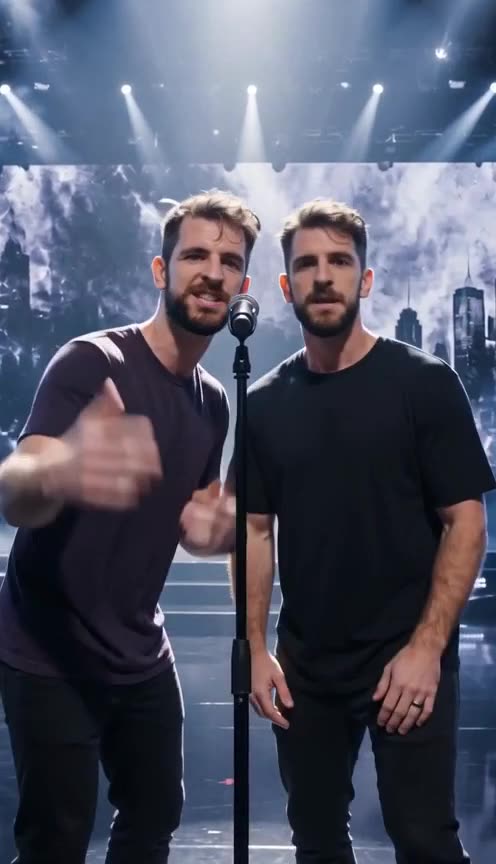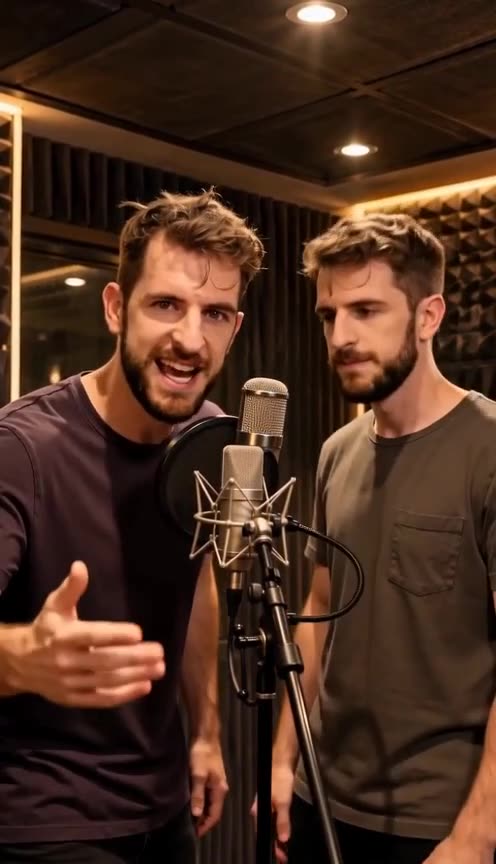
Rooftop AI Rap Video
Dusk on a rooftop lot, skyline behind, laid-back storytelling flow.
Make your Rooftop Lot videoA preview of the Rooftop Lot scene. Your video is generated fresh from your photos in this same stage.
Golden hour, skyline, a verse with room to breathe.
The Rooftop Lot scene is where the tempo drops: dusk sky, string lights, a city skyline doing the backing vocals. It is built for storytelling verses — gratitude posts, best-friend tributes, slow flows with something to say. The laid-back stage makes laid-back bars believable.
Three steps to your rap video.
Open the studio
Every scene runs in the same generator. Pick this scene from the stage list — it preselects from the link you clicked.
Upload your photo
One clear front-facing photo casts you as the performer; a second photo joins as the second character.
Generate and post
Pick 480p, 720p or 1080p and generate. Your 10-second video lands in a few minutes — add your sound when you post.
Better photos. Better rap videos.
- 01One subject per photo, front-facing, eyes and jawline visible.
- 02Original files beat screenshots — the AI uses hair and outfit as references too.
- 03Waist-up or full-body works; the scene lighting does the color grading.
- ★A relaxed expression suits this stage — a slight smile or an easy look reads better here than a hard stare.
What to make on this stage.
The track teaser
Drop a 10-second visual for your latest sound and let the clip do the promo.
The birthday verse
Put the birthday person on stage with their name in the verse. Post it before breakfast.
The friend tribute
Ten years of inside jokes compressed into one verse. Send it directly or post the tag.
The hype reply
Reply to a friend’s post with your own verse on the same stage. Chains like this travel.
The gym milestone
New PR, new physique, same energy — cast the win in neon.
The inside joke
The nichest content performs hardest. If only four people get it, those four will repost it.
Use it like you own it — because you do.
Use only photos of adults you are authorized to use. Public figures, minors, deceptive impersonation, harassment and copyrighted characters are prohibited.
The rap beat and vocals in every render are AI-generated — original by construction, with no copyrighted samples — so the clip is safe to post as-is. The people in your photos must still be adults you have the right to use. Safety & acceptable use · Copyright & IP policy
Scene questions
Which occasions fit the Rooftop scene?+
Anniversaries, thank-yous, friendship tributes and reflective verses. The warm dusk light and skyline make it the most sentimental stage on the site.
Are all six scenes available right now?+
Yes. Every scene on this page is live in the studio — pick one, upload your photo, and generate.
Does my video have sound?+
Every render ships with AI-generated rap audio (beat + vocals) matched to the performance — no copyrighted music anywhere, so it posts safely. Add captions in-app to boost watch time.
Can I switch scenes after generating?+
Each generation is bound to one scene. To try another stage, run the generator again with a different scene selected — credits are only spent on finished videos.
Which format should I pick?+
Vertical 9:16 is the default and fits TikTok, Reels and Shorts. Pick 16:9 for YouTube. Every scene ships in both.